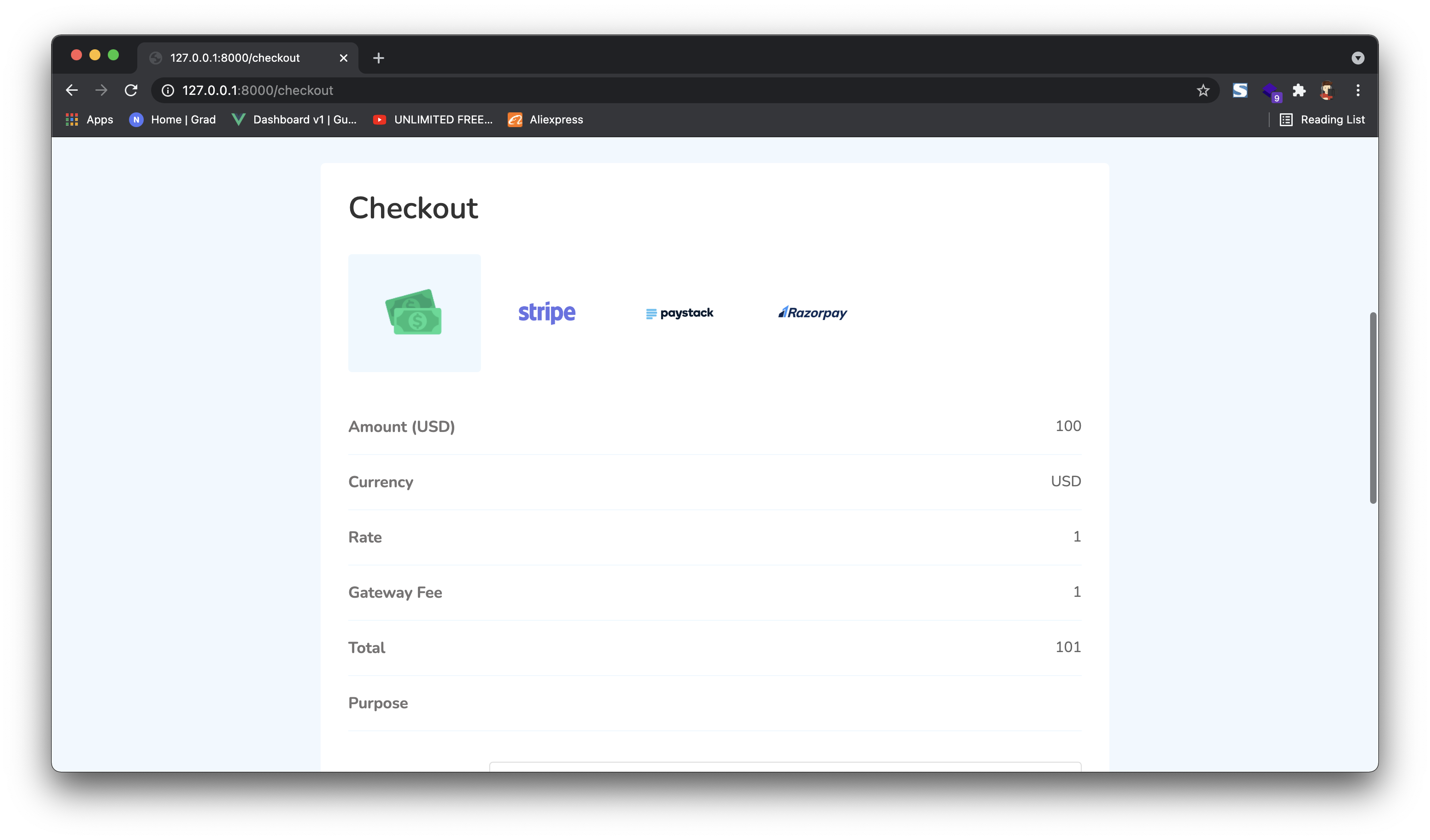
Payments through One-Time URL
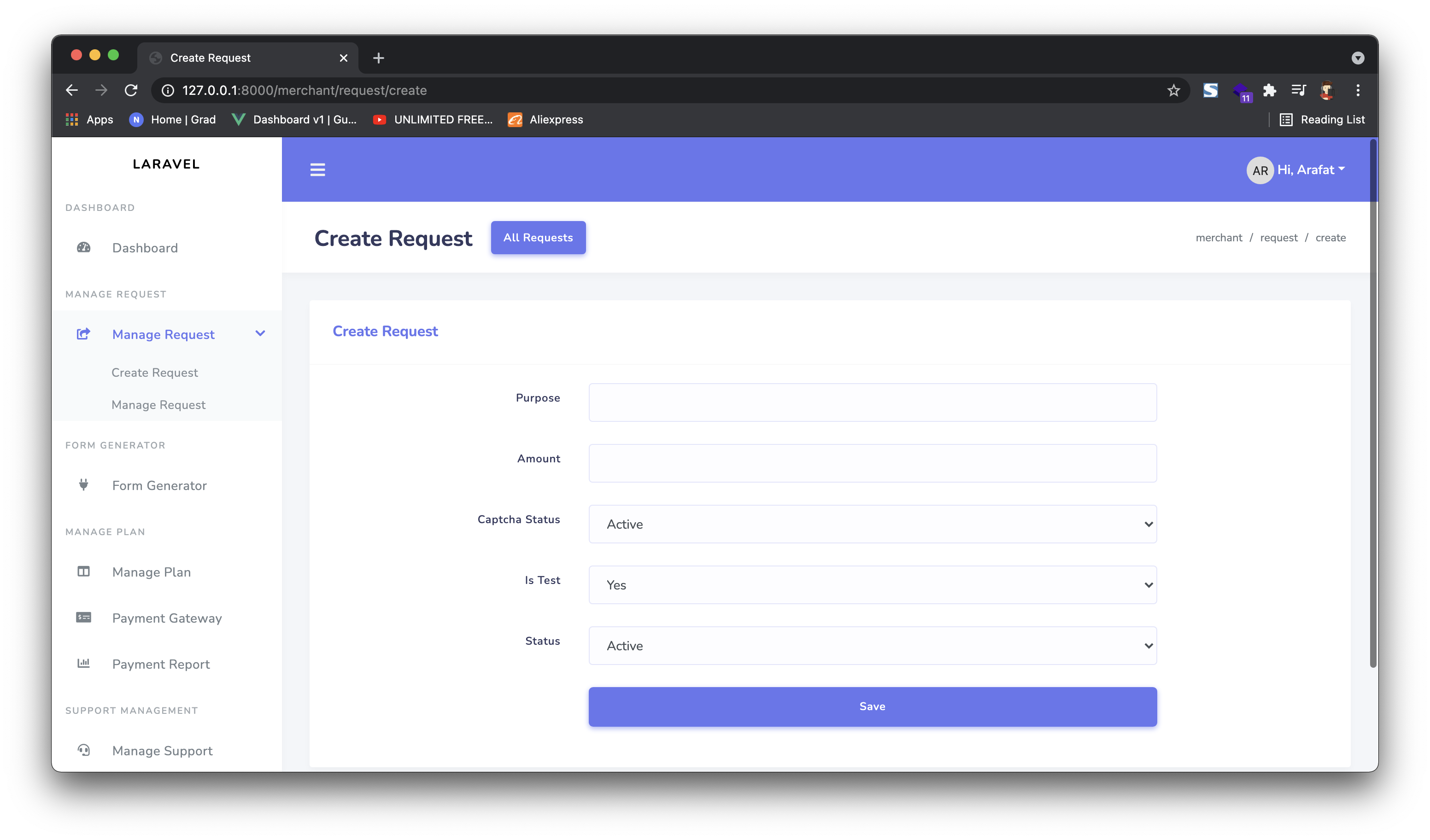
To create a new request, select "Create Request" and fill in the form. A unique payment URL will be generated. Share it with your customer to collect payment.
When to use one-time URLs
Perfect for invoices, custom quotes, or any scenario where you need to collect a specific amount from a specific customer without code.
1 Generate a payment URL from your Merchant Panel.
2 Now copy the link and send it to your customer. Customer will view the payment gateway options.
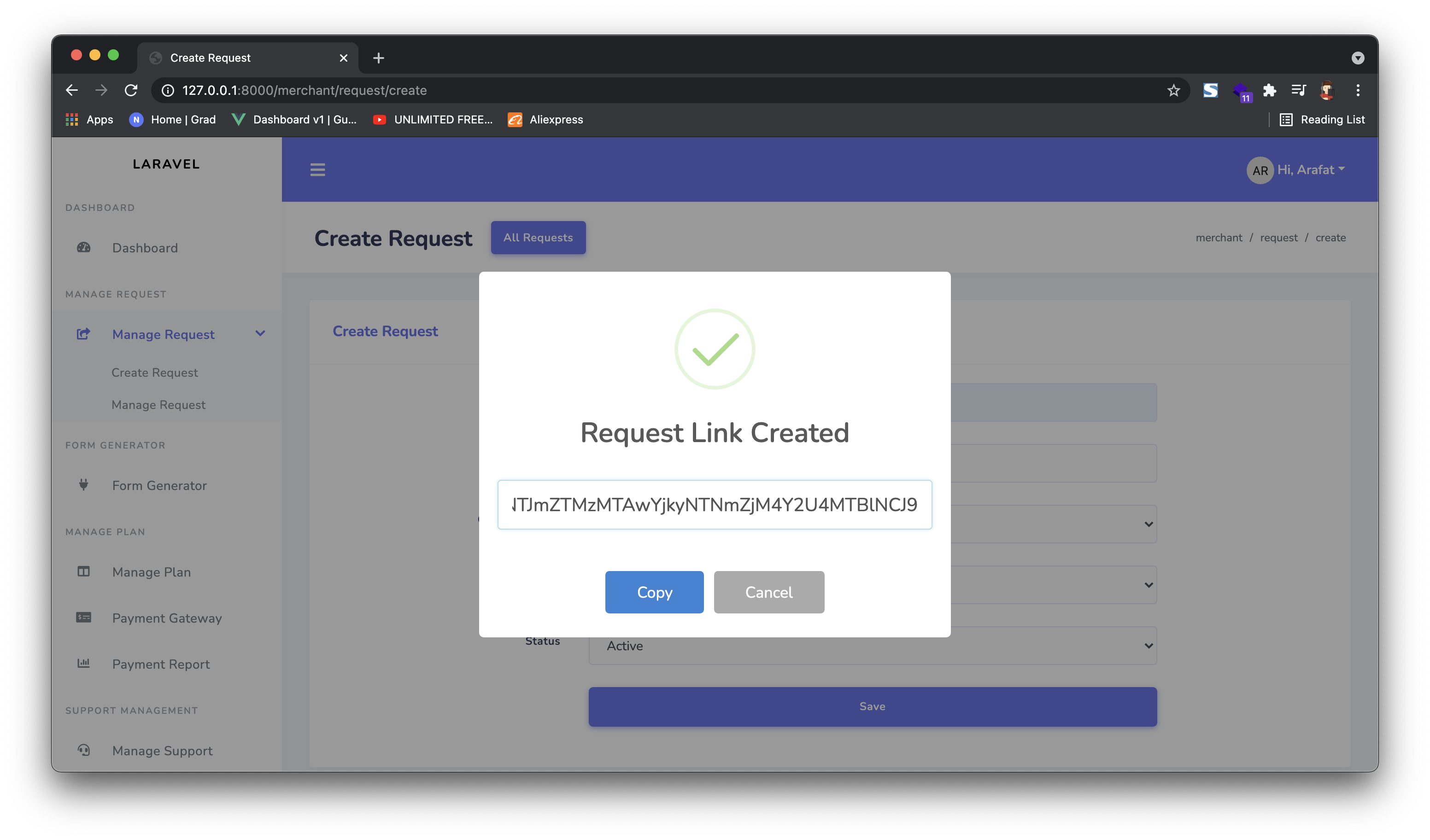
3 Rest of the process is the same as the HTML form flow.