
Payments through Merchant Generated Form
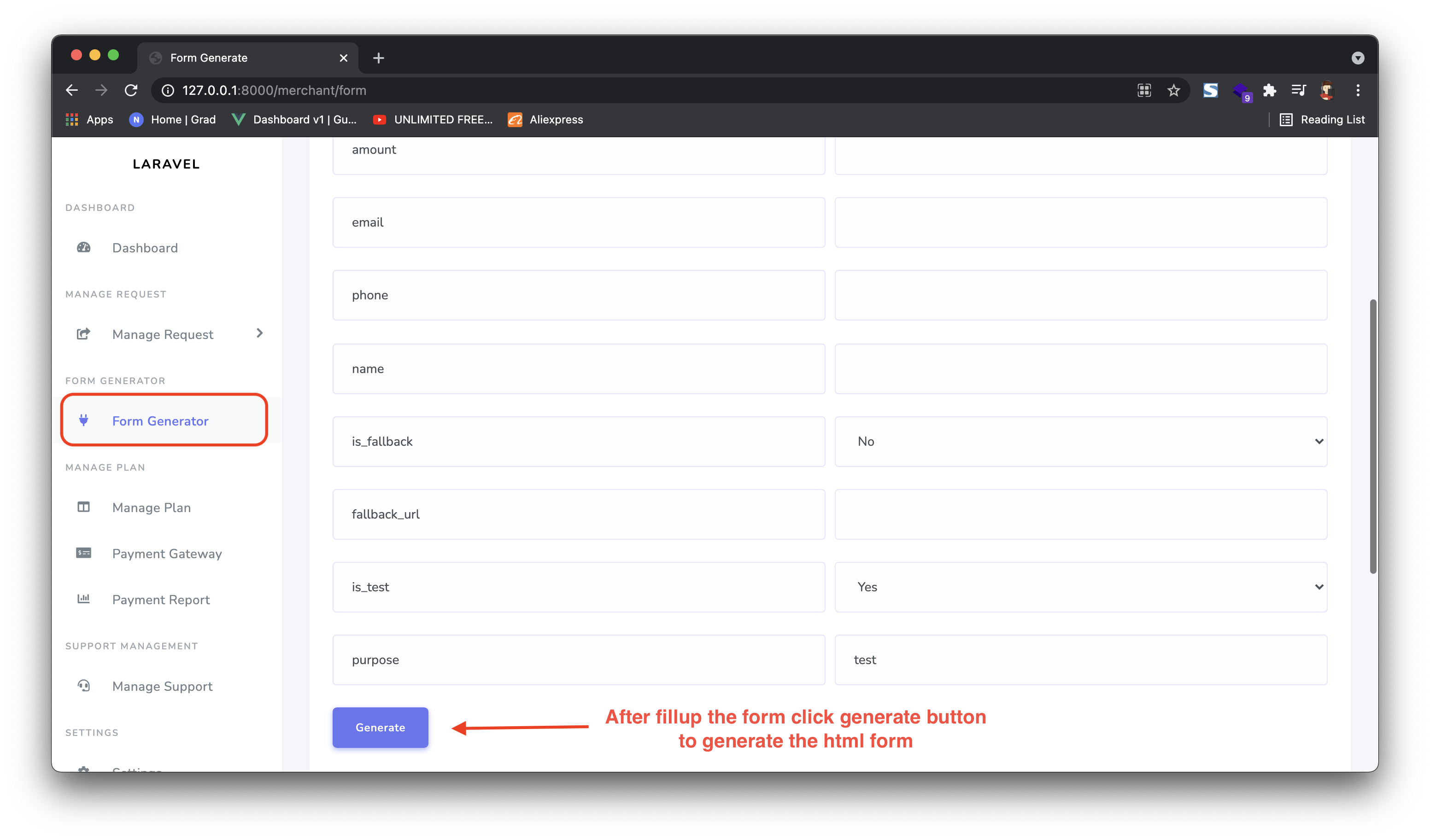
To create the HTML form for users, click "Form Generator" from the side menu, then fill in the desired values. Click the generate button — your form is ready to embed on any website.
What you'll need
- Merchant Panel access at
yourdomain/merchant/form - A website or HTML page to embed the generated form
1 Go to yourdomain/merchant/form
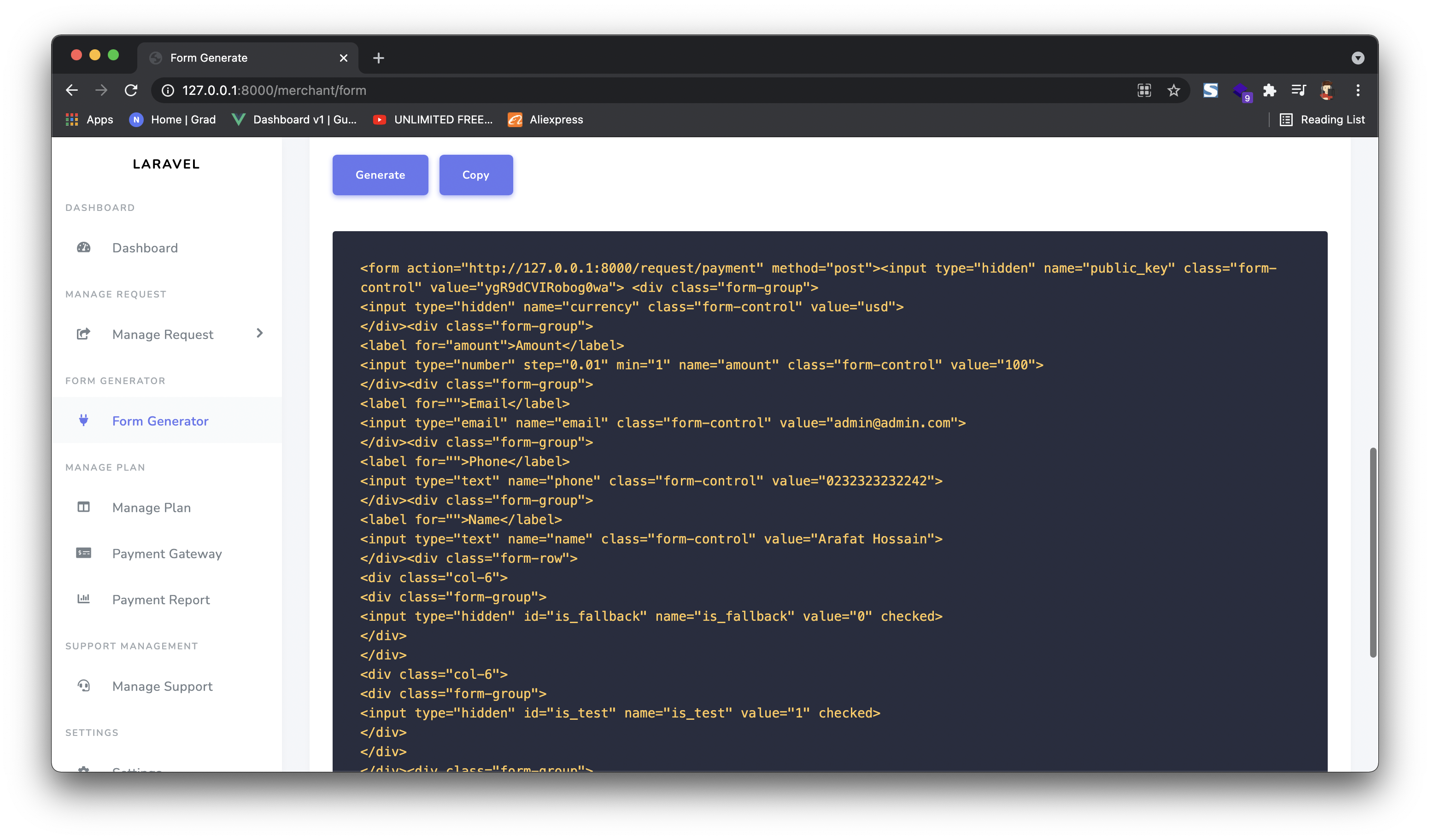
2 Click "Copy" to copy the HTML code and paste it into your project.
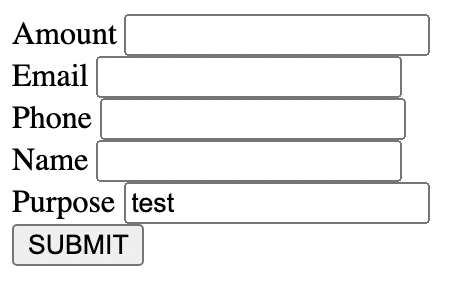
3 Now your customer can fill in the form and submit.
4 After submit, customer selects the payment gateway.
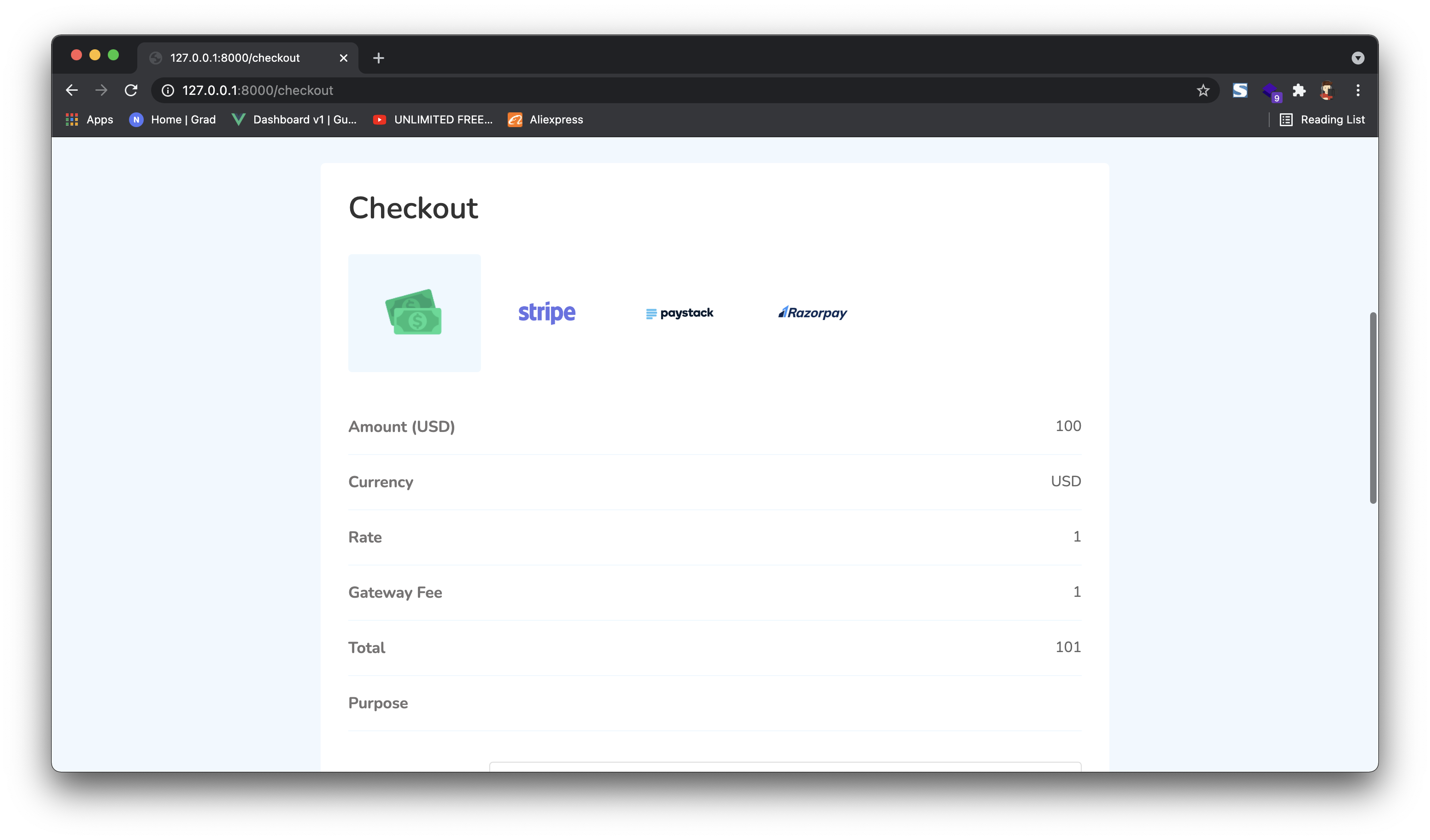
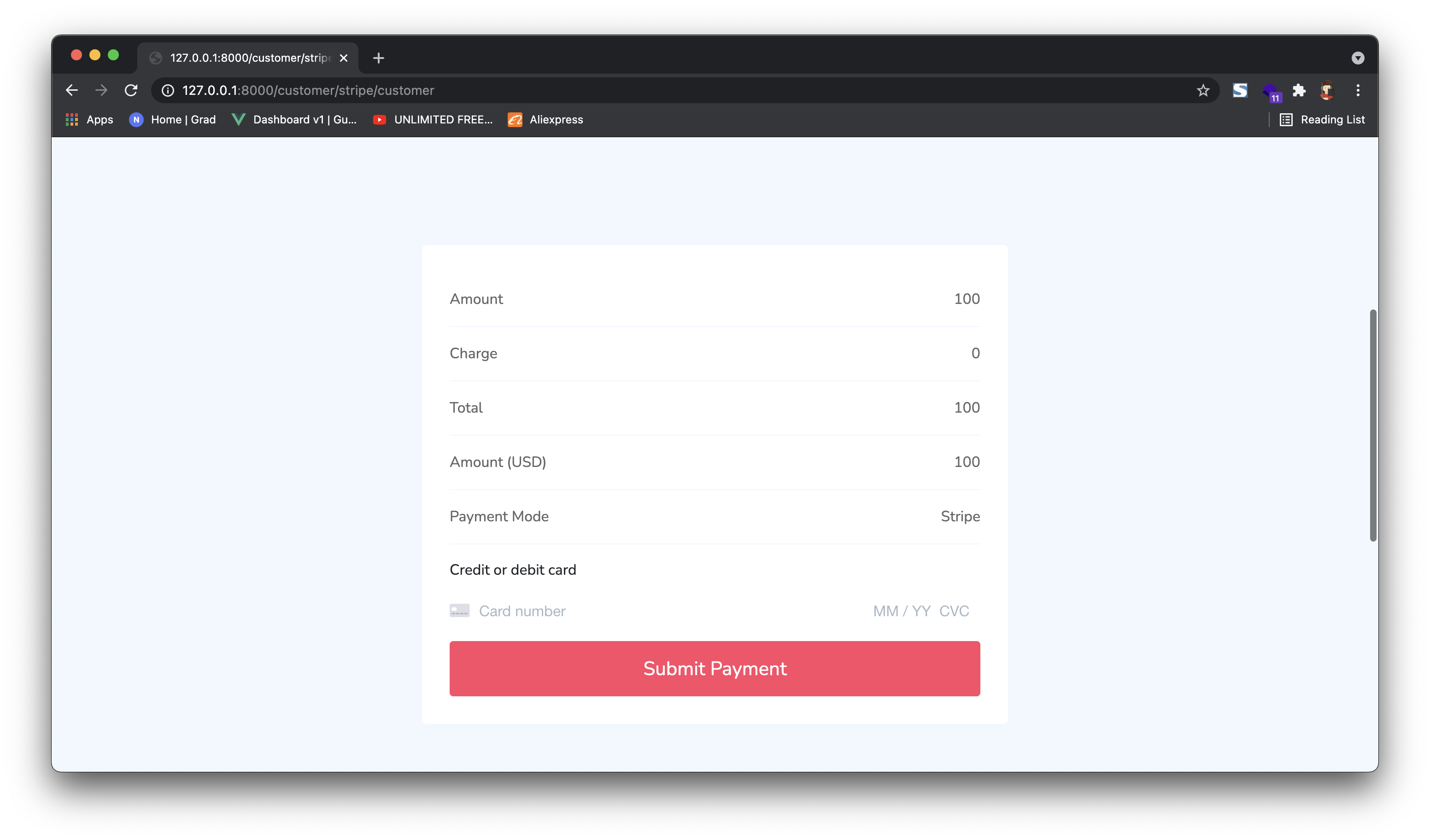
5 Customer enters credit card info if required.
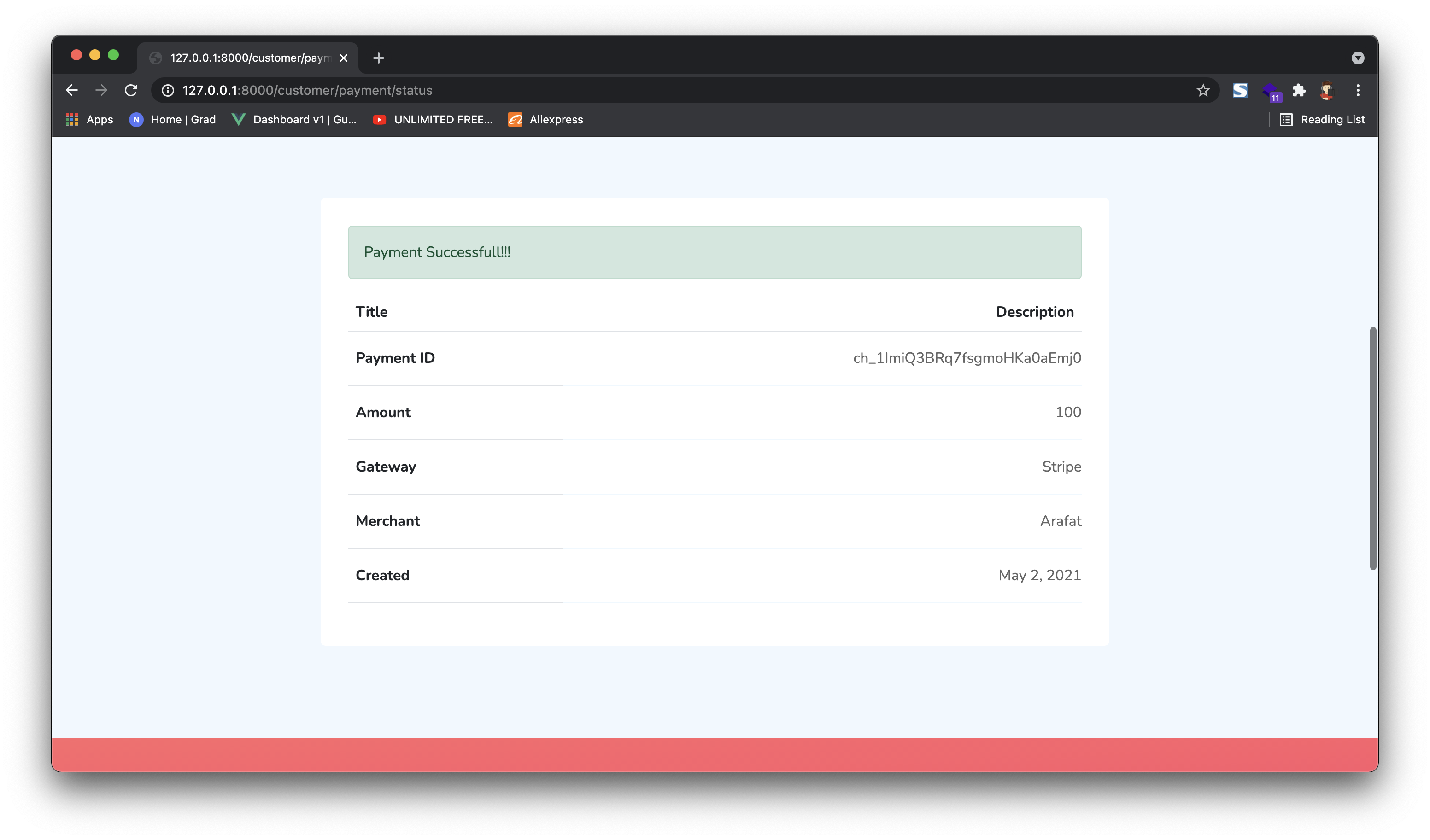
6 On success, customer is redirected to the success page — or to your configured fallback URL if set.
Pro tip
Set a fallback URL when generating the form so users return to your site after a successful payment.